Nevada Lifeline, EBT, Medicaid and tablet eligibility help
Free Government Tablet in Nevada: 2026 Lifeline, EBT and Medicaid Options
Nevada residents can check tablet options through Lifeline-related provider offers, SNAP/EBT, Medicaid, income-based eligibility, ZIP code availability, and local digital access resources. The key is verifying eligibility safely and steering clear of websites that promise guaranteed free tablets.
Table of Contents
- Quick Answer for Nevada Residents
- What "Free Government Tablet" Means in 2026
- Does Nevada Have a Free Tablet Program?
- Main Ways Nevada Residents May Qualify
- EBT/SNAP Free Tablet Options in Nevada
- Medicaid Free Tablet Options in Nevada
- Lifeline Tablet and Phone Options in Nevada
- Documents You May Need
- Step-by-Step Application Path
- Provider Availability and ZIP Code Checks
- What To Do If No Tablet Offer Is Available
- Special Groups in Nevada
- Scam Warnings for Nevada Residents
- Helpful Checklist Before You Apply
- FAQs About Free Tablets in Nevada
- External Resources
Quick Answer for Nevada Residents
A free government tablet in Nevada usually comes down to one of three things: a Lifeline-related provider offer, a discounted device from a phone or internet company, or a local digital access option through a library, nonprofit, school, community agency, or assistive technology resource.
SNAP, EBT, Medicaid, SSI, housing assistance, Veterans Pension, Survivors Benefit, qualifying Tribal programs, or low household income may help prove eligibility for Lifeline. That eligibility does not automatically mean a tablet is waiting for you. Providers still decide whether they offer a device in your Nevada ZIP code.
What "Free Government Tablet" Means in 2026
The phrase "free government tablet" gets thrown around a lot, but it can be misleading. In 2026, there is no open federal program that simply ships a free tablet to every low-income household in Nevada. The Affordable Connectivity Program, also called ACP, ended because the program ran out of funding. Households stopped receiving ACP discounts on June 1, 2024.
Lifeline is different. Lifeline is still active and can lower the monthly cost of qualifying phone, internet, or bundled service. Lifeline is not mainly a tablet program. Some companies that take part in low-income wireless or internet service may separately offer discounted tablets, basic Android tablets, refurbished devices, or limited-stock device deals.
That is exactly why Nevada residents should read tablet offers carefully. A real offer may involve a low copay, activation fee, shipping charge, plan requirement, or limited device selection. A provider may also run out of tablet stock in one ZIP code while still advertising service in another area.
If you are unsure what a provider is offering, separate the service benefit from the device offer. Lifeline may help with service. The tablet depends on provider rules.
Does Nevada Have a Free Tablet Program?
Nevada residents should not assume there is an official statewide free tablet giveaway. At publication time, this page does not list a verified Nevada-run program that guarantees a free tablet for all SNAP, Medicaid, or low-income households. VERIFY BEFORE PUBLISHING if you plan to describe any new Nevada-funded device program after this page is published.
What Nevada does have is a benefits system, a public digital access network, and broadband planning resources that can help residents get connected. The Nevada Division of Welfare and Supportive Services handles SNAP applications through Access Nevada. Nevada Medicaid and Nevada Check Up help eligible residents with health coverage. The Governor's Office of Science, Innovation and Technology works on broadband and digital skills issues. Nevada 211 and community action agencies can help residents track down local support.
For tablet seekers, that means the practical path is not "apply to Nevada for a free tablet." The practical path is:
- Confirm whether you qualify for Lifeline.
- Use your Nevada ZIP code to find participating companies.
- Ask each company whether a tablet is available today.
- Check whether the device is free, discounted, refurbished, or tied to a fee.
- Use libraries, community agencies, or assistive technology resources if no provider tablet offer is available.
Main Ways Nevada Residents May Qualify
Most Nevada residents searching for a free tablet are really trying to prove low-income or public-benefit eligibility. The same proof that helps with Lifeline may also help when a provider screens customers for a tablet-related offer.
| Eligibility path | How it may help | Nevada note |
|---|---|---|
| SNAP or EBT | SNAP participation can help prove Lifeline eligibility. | Nevada SNAP is handled through DWSS, and online applications go through Access Nevada. |
| Medicaid | Medicaid participation can help prove Lifeline eligibility. | Nevada residents may apply or manage Medicaid through Access Nevada and Nevada Medicaid resources. |
| SSI | SSI may be accepted as a qualifying program for Lifeline. | Seniors and disabled residents should use a current benefit letter if automated checks do not match. |
| Federal Public Housing Assistance | FPHA or Section 8 may help prove eligibility. | Use a current housing assistance document showing your name and program. |
| Veterans Pension or Survivors Benefit | These benefits may help eligible veterans or surviving family members qualify. | A VA benefit statement is usually stronger than a general veteran ID. |
| Tribal assistance | Residents on qualifying Tribal lands may have enhanced Lifeline support. | Nevada has Tribal communities, but eligibility depends on your address and qualifying program rules. |
| Household income | Income at or below Lifeline limits may qualify even without SNAP or Medicaid. | Pay stubs, tax returns, unemployment letters, or benefit statements may be needed. |
One household usually cannot receive multiple Lifeline benefits at the same time. If someone in your home already has Lifeline service, ask before applying again. Duplicate benefit problems can delay approval or cause a transfer issue.
EBT/SNAP Free Tablet Options in Nevada
SNAP is one of the strongest eligibility signals for Nevada residents checking tablet offers. If you receive Nevada SNAP benefits on an EBT card, you may be able to use that status to qualify for Lifeline. From there, you can check whether any participating provider has a tablet offer in your ZIP code.
SNAP itself does not give you a tablet. Your EBT card does not work like a tablet voucher. It simply helps prove that your household receives a qualifying benefit. That is a key difference, because many misleading websites make it sound like "EBT equals free tablet." In real life, the provider still decides whether a device is available.
Nevada residents apply for SNAP through the Division of Welfare and Supportive Services. Access Nevada is the online benefits portal. DWSS may schedule an interview, request proof, and send notices about approval or denial. Some households with little or no money may qualify for expedited SNAP, but that is a food benefit rule, not a tablet shipping rule.
Common Nevada SNAP proof issues
- Your name on the tablet application must match your SNAP or EBT records.
- Your Nevada address should match the address you use with DWSS, unless you have moved and updated your case.
- If your SNAP notice is old, a provider or the National Verifier may ask for newer proof.
- If your household recently changed, your benefit record may not reflect that right away.
- SNAP documents may show shelter or utility expense details, but you should not upload extra private pages unless the application asks for them.
Medicaid Free Tablet Options in Nevada
Medicaid can also help Nevada residents prove eligibility for Lifeline. Nevada Medicaid and Nevada Check Up are the names most residents will come across when dealing with health coverage. Nevada Check Up is the state's children's health insurance program for eligible low-income children who are not covered by private insurance or Medicaid.
Medicaid approval does not guarantee a tablet. It may help you clear the eligibility part of a Lifeline or provider check. You still need to confirm whether the company serves your Nevada ZIP code and whether a device is actually available.
If you use Medicaid as proof, try to use a clear document that includes your name, program name, issuing agency or health plan, and a recent date. A Medicaid card alone may not always show enough information for every manual review. A notice, eligibility letter, managed care letter, or benefits portal screenshot tends to be stronger because it includes the required details.
Lifeline Tablet and Phone Options in Nevada
Lifeline is the main active federal program Nevada residents need to understand. It lowers the cost of qualifying phone, internet, or bundled service. The National Verifier checks whether a person qualifies. After approval, the customer normally picks a participating company.
The device part is separate. Some companies may advertise a phone, tablet, or phone-and-tablet bundle. Others may provide service only. Some may ask for a one-time tablet payment, shipping cost, activation charge, or plan enrollment. Some tablets may be refurbished, basic Android models, or limited-stock devices.
Before you apply, read the company's offer terms. Ask these questions:
- Is the tablet actually available in my Nevada ZIP code today?
- Is it free, discounted, or tied to a copay?
- Is the device new or refurbished?
- Does the offer require Lifeline service, another plan, or a bundle?
- What happens if the tablet is out of stock after I submit my information?
- Will I lose or transfer an existing Lifeline benefit?
Documents You May Need
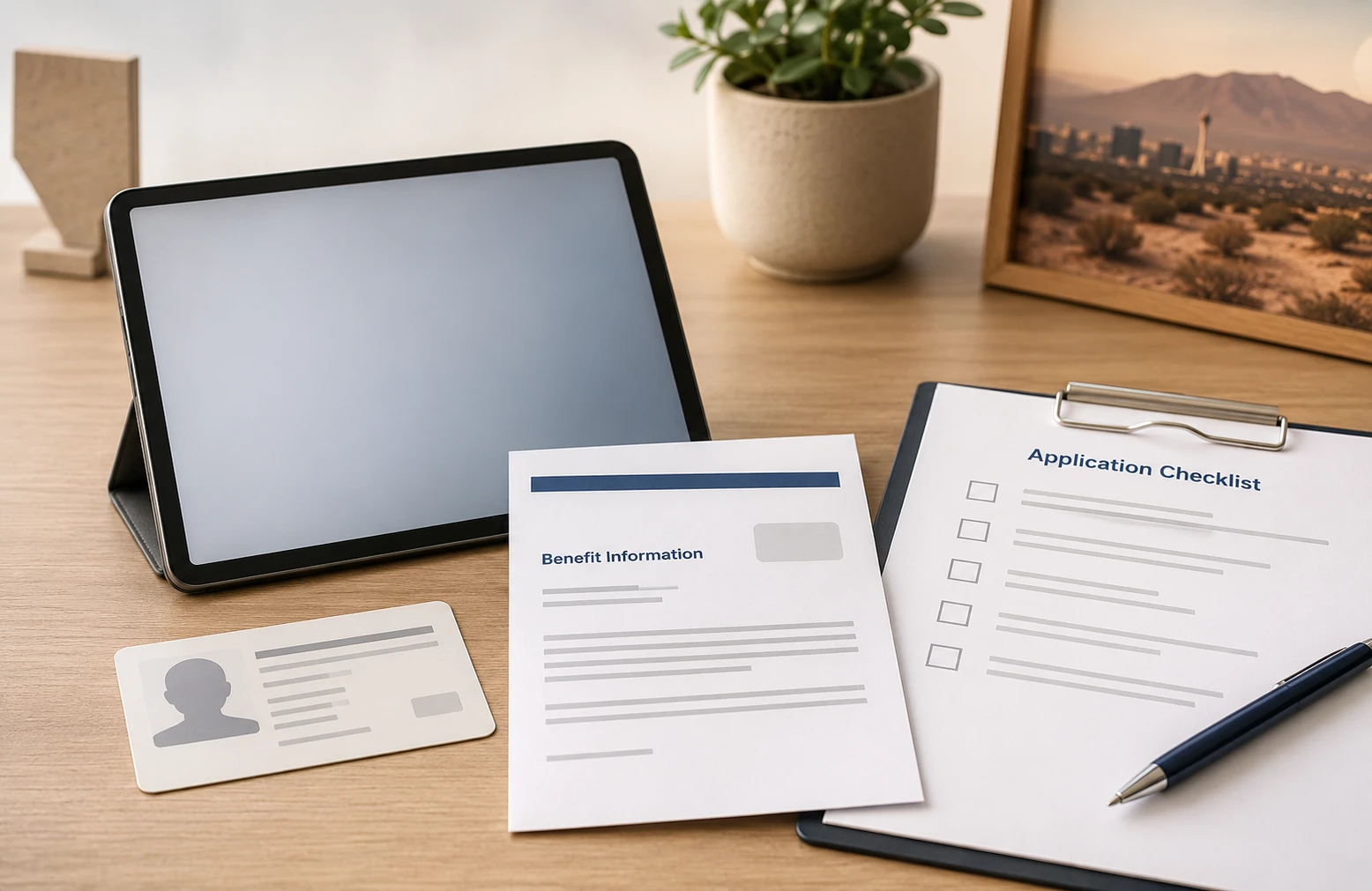
Documents matter because automated checks do not always match. Nevada residents may run into mismatches because of recent moves, apartment numbers, rural routes, name changes, shared housing, Tribal land addresses, or old benefit records.
| Document type | Examples | Why it helps |
|---|---|---|
| Identity | Nevada ID, driver's license, passport, Tribal ID, other government ID | Confirms your legal name and date of birth. |
| Program participation | SNAP notice, Medicaid notice, SSI benefit letter, FPHA letter, Veterans Pension statement | Shows you participate in a qualifying program. |
| Income | Pay stubs, tax return, unemployment statement, Social Security statement, pension statement | Helps if you qualify by income instead of a benefit program. |
| Address | Utility bill, lease, official mail, benefit notice, shelter letter, map note for hard-to-match rural locations | Helps resolve address mismatches and ZIP code service checks. |
| Household | Household worksheet, benefit transfer consent, proof that another household at the same address is separate | Helps avoid duplicate Lifeline household issues. |
Do not send original documents unless an official agency specifically requires it. For more examples, use the government tablet documents guide.
Step-by-Step Application Path
This is the safest path for Nevada residents who want to check free or discounted tablet options without falling for exaggerated claims.
- Confirm your eligibility basis. Decide whether you will use SNAP, Medicaid, SSI, housing assistance, Veterans Pension, Tribal assistance, or income proof.
- Check your Nevada benefit records. Make sure your name, date of birth, and address are current with DWSS, Medicaid, or the agency shown on your proof.
- Use Lifeline's official process. Apply through the National Verifier or through a participating company that uses it.
- Search by ZIP code. A provider serving Las Vegas may not offer the same device in Ely, Pahrump, Elko, Tonopah, Winnemucca, or rural Nye County.
- Ask about tablet terms before submitting sensitive information. Confirm stock, cost, service plan, device condition, activation, and shipping.
- Upload only requested proof. Clear copies work better than sending extra private pages.
- Watch for manual review notices. If your address or program record does not match, you may need to submit documents.
- Save your confirmation. Keep screenshots, application numbers, provider contact details, and shipping information.
Provider Availability and ZIP Code Checks
Nevada is a big state with very different coverage conditions. A resident in Las Vegas, Henderson, North Las Vegas, Reno, or Sparks may see more wireless and internet options than someone in a remote desert, mountain, ranching, or Tribal community. County size, towers, wired broadband, address mapping, and provider service areas can all affect what shows up during a ZIP code check.
ZIP code checks matter because tablet offers are not only based on eligibility. They also depend on provider participation, inventory, shipping rules, and service coverage. A provider may accept Lifeline in Nevada but not offer a tablet at the exact address you enter. Another provider may offer service but only show a phone option.
Use a company lookup and compare more than one option. The government tablet near me guide explains how to think about ZIP code availability without trusting the first ad you see. You can also review main provider options, but do not assume a provider page means the offer is available everywhere in Nevada.
What To Do If No Tablet Offer Is Available
If no free or discounted tablet offer shows up in your Nevada ZIP code, you still have useful options. A tablet is helpful, but the real goal is staying connected for benefits, telehealth, job applications, school, banking, email, and family communication.
Try these Nevada alternatives
- Lifeline phone or service first: Even without a tablet, lower-cost phone or internet service can help you stay connected.
- Low-cost Android tablet: A basic Android tablet may be cheaper and easier to find than waiting for a limited-stock provider offer. See the Android tablet expectations guide.
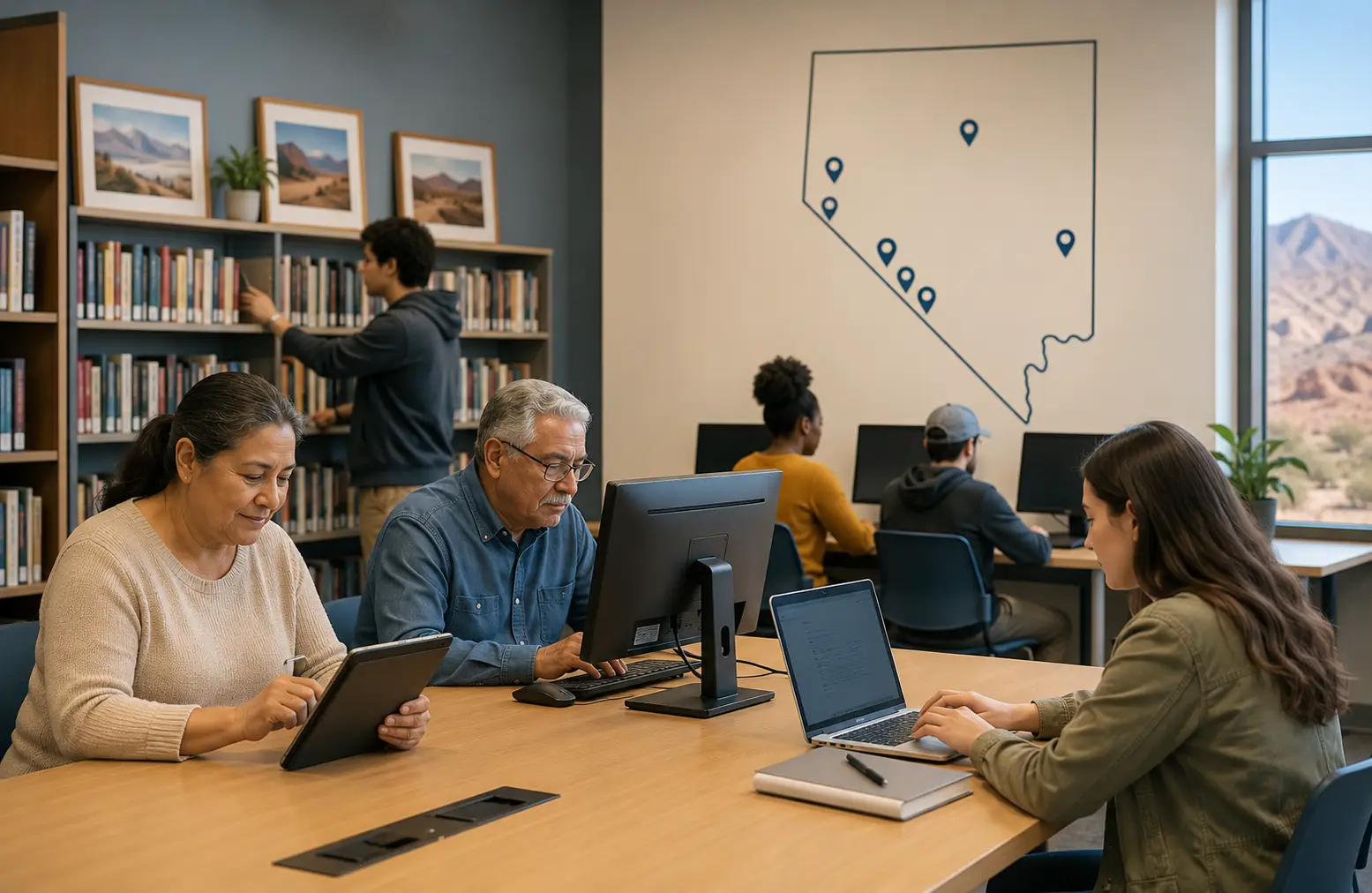
- Nevada libraries: Use public computers, Wi-Fi, digital collections, and local library help where available.
- OSIT digital skills resources: Nevada's digital skills and adoption work focuses on affordable internet, connected devices, and digital literacy.
- Nevada 211: Search for local health, housing, food, senior, disability, and family support resources.
- Community action agencies: Nevada Community Action Association lists county-level support, including agencies in Clark, Washoe, Nye, Douglas, Lyon, Mineral, White Pine, and other areas.
- Assistive technology resources: NATC and CARE Chest may help some residents with assistive technology or reused equipment, although this should not be treated as a general free tablet program.
Special Groups in Nevada
Seniors
Nevada seniors may qualify through Medicaid, SSI, income, SNAP, Veterans Pension, Survivors Benefit, or housing assistance. Seniors should be careful with tablet offers that push for fast action over the phone. A real application will give you time to read the terms. For device basics, see the tablets for seniors guide.
Veterans
Veterans in Nevada should not assume a veteran ID alone qualifies them. Lifeline eligibility may depend on Veterans Pension, Survivors Benefit, income, SNAP, Medicaid, or another qualifying path. If you use VA-related proof, choose a document that shows the benefit type and your name. The government tablet for veterans guide explains this in more detail.
Families with EBT or SNAP
Families using SNAP should make sure the benefit qualifying person is clearly connected to the household. If a child is the qualifying person, check whether the application allows that relationship and what proof is required. Do not enter an EBT PIN on any tablet website.
Medicaid households
Medicaid households should keep their Nevada Medicaid address current. Address differences can create verification problems, especially if the household moved between Clark County, Washoe County, Carson City, or a rural county.
Rural residents
Rural Nevada residents may face two problems at once: fewer provider tablet offers and harder address matching. If your home uses a rural route, PO box, mile marker, ranch road, or nonstandard address, be ready to provide an address document or mapping information if the verifier requests it.
Students and adult learners
Students and adult learners should check school, library, workforce, and community resources before paying a suspicious "processing fee." A tablet can help with online classes, but many digital access programs focus on computers, internet access, skills training, or local lending rather than ownership.
Scam Warnings for Nevada Residents
Tablet scams often go after people who already receive public benefits. Nevada residents should be extra careful with social media ads, text messages, pop-up pages, and fake "government tablet program" forms.
Warning signs
- The website says every Nevada EBT cardholder is guaranteed a tablet.
- The offer claims ACP is still open for new discounts.
- The page uses fake government seals or fake approval stamps.
- The company will not show terms, fees, shipping rules, or service requirements.
- You are pressured to pay with a gift card, crypto, cash app, or wire transfer.
- The site asks for your EBT PIN or bank login.
- The phone agent refuses to tell you the company name before collecting information.
- The offer says "same-day approval" or "same-day shipping" for everyone.
Real eligibility checks take time. Manual review is normal if your records do not match. A delay does not always mean denial, and a fast promise does not always mean the offer is real.
Helpful Checklist Before You Apply
- Confirm whether you are using SNAP, Medicaid, SSI, income, housing assistance, veteran benefits, or Tribal assistance as your eligibility path.
- Make sure your Nevada address is current with DWSS, Medicaid, or the agency shown on your proof.
- Check whether another person in your household already uses Lifeline.
- Use your real Nevada ZIP code, not a nearby city ZIP code.
- Ask the provider whether the tablet is free, discounted, refurbished, or tied to a fee.
- Ask whether the tablet offer is in stock before submitting payment information.
- Save copies of your application confirmation and provider terms.
- Use official resources if the website mentions ACP, because ACP discounts ended in 2024.
- Do not provide an EBT PIN, bank login, or unnecessary private documents.
- Check local libraries, Nevada 211, or community action resources if no tablet offer is available.
FAQs About Free Tablets in Nevada
Can I get a free government tablet in Nevada in 2026?
Possibly, but it is not guaranteed. Nevada residents may find free or discounted tablet offers through some Lifeline-related providers, but availability depends on eligibility, ZIP code, provider rules, stock, device condition, and any required fee.
Does Nevada EBT automatically qualify me for a tablet?
No. Nevada SNAP or EBT can help prove eligibility for Lifeline, but an EBT card is not a tablet voucher. The provider still decides whether a tablet offer is available in your area.
Can Nevada Medicaid help me qualify for a tablet offer?
Yes, Medicaid can help prove Lifeline eligibility. That may help you check provider tablet offers, but Medicaid by itself does not guarantee a tablet, approval, shipping, or a specific device.
What is the safest way to apply from Las Vegas or Henderson?
Use official Lifeline verification, check provider availability by your actual ZIP code, and read the tablet terms before submitting sensitive information. Clark County residents may see more provider choices, but stock and fees can still vary.
Why do rural Nevada residents see fewer tablet offers?
Rural areas may have fewer participating providers, weaker wireless coverage, address matching issues, or limited shipping options. Residents in large counties such as Nye, Elko, White Pine, Lincoln, and Pershing should compare more than one provider and keep address proof ready.
Can I use a PO box for a Nevada tablet application?
A PO box may not be enough for Lifeline address verification. You may need to provide a physical residential address or extra proof, especially for rural routes, shelters, shared housing, or Tribal land addresses.
Are Nevada tablet offers usually new devices?
Not always. Some offers may involve refurbished tablets, basic Android devices, older models, or limited-stock equipment. Ask the provider before you agree to any fee or service plan.
Can seniors in Nevada get a free tablet through Lifeline?
Seniors may qualify through Medicaid, SNAP, SSI, income, housing assistance, Veterans Pension, or Survivors Benefit. The tablet offer still depends on provider availability and terms.
Can veterans in Nevada get a tablet through government benefits?
Some veterans may qualify for Lifeline through Veterans Pension, Survivors Benefit, income, Medicaid, SNAP, or another qualifying program. A general veteran ID alone may not be enough.
What should I do if a provider says no tablet is available?
Ask whether Lifeline service is still available, compare other providers by ZIP code, check low-cost Android tablets, use library computers or Wi-Fi, and search Nevada 211 or community action resources for local digital access help.
Is ACP still available for Nevada households?
No. The Affordable Connectivity Program ended, and households stopped receiving ACP discounts on June 1, 2024. Be careful with any website that still claims to enroll Nevada residents in ACP.
Is Free Tablet Apply a Nevada government agency?
No. Free Tablet Apply is an independent informational website. It does not approve applications, provide tablets, represent Nevada, represent the FCC, or represent USAC.
Final Helpful Summary
Nevada residents searching for a free government tablet should start with eligibility, not promises. SNAP/EBT, Medicaid, SSI, income, housing assistance, veteran benefits, and certain Tribal programs may help with Lifeline eligibility. Lifeline can lower phone or internet service costs, but tablet offers depend on providers.
If a provider has no tablet in your Nevada ZIP code, check service-only Lifeline options, local libraries, Nevada 211, community action agencies, OSIT digital access resources, or assistive technology resources where relevant. The safest approach is verifying through official channels, comparing terms, protecting your private information, and avoiding any site that guarantees instant approval.
External Resources
Use these official or trusted resources to verify benefit and digital access information. External links are placed here so the article stays clean and easy to read.
- FCC Affordable Connectivity Program page
- Lifeline Support
- USAC Lifeline program information
- USAC National Verifier information
- USAC Companies Near Me tool
- Nevada DWSS SNAP page
- Access Nevada benefits portal
- Nevada Medicaid
- Nevada Check Up
- Nevada OSIT Digital Skills and Adoption
- Nevada State Library Find-a-Library Directory
- Nevada 211
- Nevada Community Action Association Get Help
- Nevada Assistive Technology Collaborative
Need a Safe Starting Point?
Start with eligibility, then check provider availability by ZIP code. Do not trust any tablet offer that promises guaranteed approval or asks for your EBT PIN.